What Is a POS System and How Does It Work?
A point of sale system is the software and hardware a business uses to complete a sale, accept payment and update the records connected to that transaction.
A modern POS can also update product availability, customer history, employee activity, receipts and management reports. This guide explains the process, the main components and the difference between POS, cash registers, payment terminals and mobile POS.
POS Stands for Point of Sale
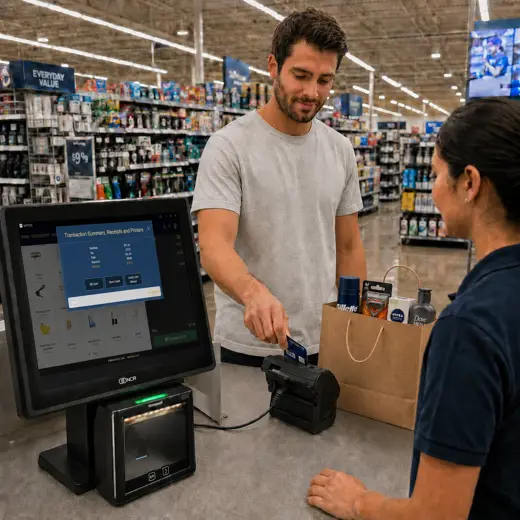
The point of sale is the moment and process in which a customer completes a purchase. The POS system records what was sold, calculates the amount due, accepts an enabled payment method and preserves the information the business needs afterward.
What Happens When a Customer Buys Something?
The visible checkout may take only a few moments, but the system can update several operational records as part of the same transaction.
Identify the Item
The employee scans a barcode, searches the catalog or selects a product or service from the screen.
Calculate the Order
The POS applies configured prices, taxes, discounts, promotions and customer benefits that are valid for the order.
Accept Payment
The customer pays using an enabled method such as card, cash, contactless payment, store credit or another configured tender.
Record the Sale
The system creates the transaction record and receipt and associates the sale with the relevant store, register, employee and customer when applicable.
Update Operations
Inventory, customer history, employee activity and management reports can be updated from the completed transaction.
POS Software and POS Hardware
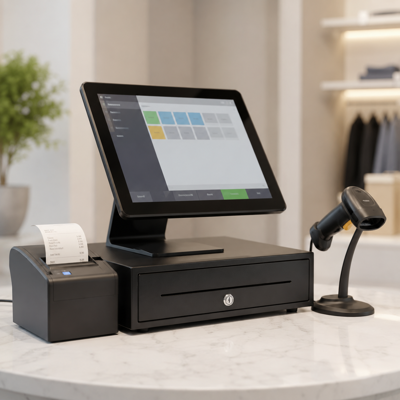
POS software controls the transaction and the records behind it. POS hardware is the physical equipment used by employees and customers to interact with the system.
A business may use a fixed counter, tablets, mobile devices or a combination of device types. The required equipment depends on the workflow and the peripherals that must be connected.
POS Software
The application that manages the transaction and the related business data.
- Sales and returns
- Products and pricing
- Inventory records
- Customers and employees
- Reports and operational history
POS Hardware
The devices used to enter information, accept payment and produce transaction outputs.
- Computer, terminal or tablet
- Payment terminal
- Barcode scanner
- Receipt printer
- Cash drawer or customer display
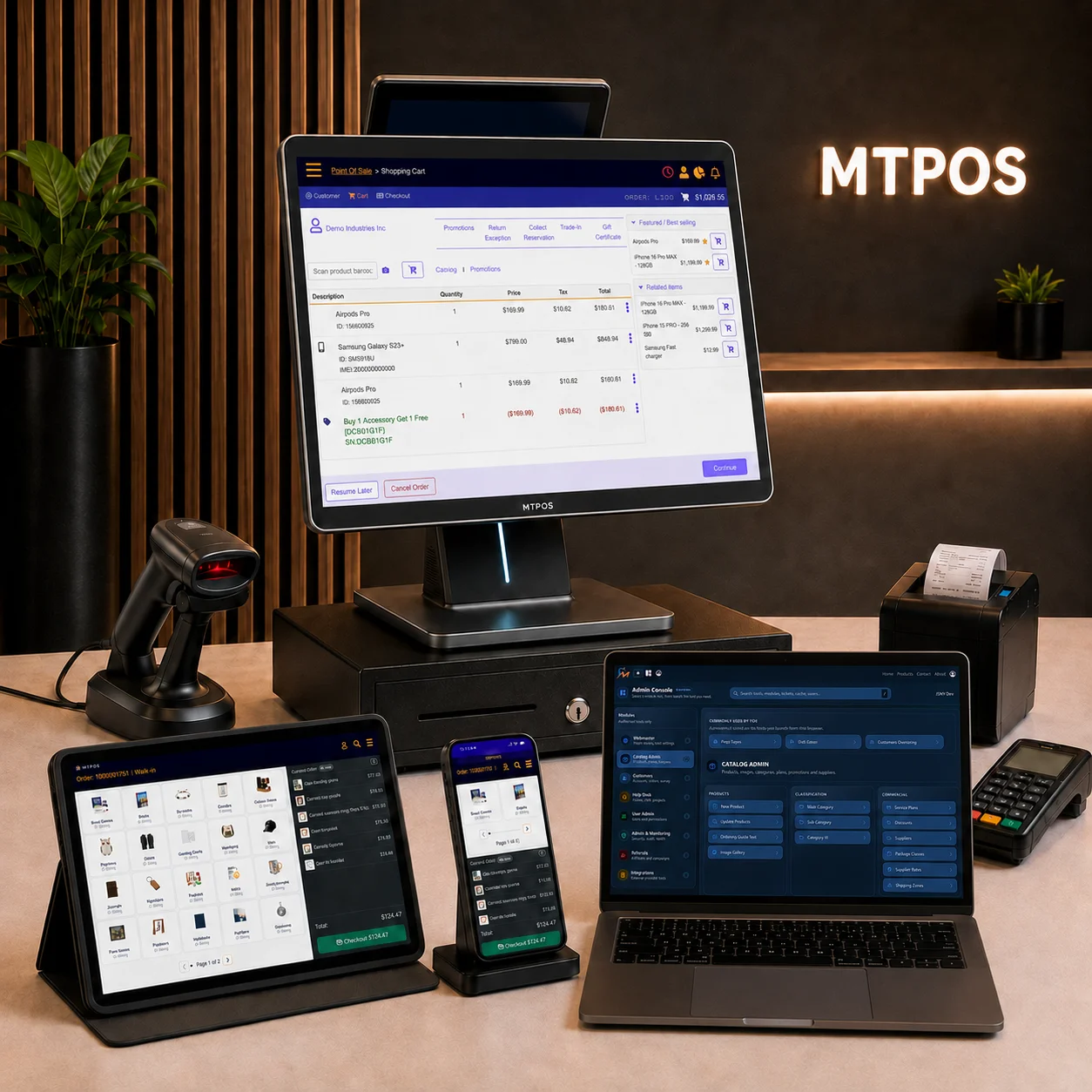
POS, Cash Register, Payment Terminal and Mobile POS
These terms describe different parts or forms of the selling process. They are related, but they are not interchangeable.
| Term | What it means | What it normally does |
|---|---|---|
| POS System | The complete software and hardware environment used to process and manage sales | Handles transactions and can connect products, payments, inventory, users and reports |
| Cash Register | A device or register workflow focused on recording sales and managing cash | Stores cash, records register activity and may connect to broader POS software |
| Payment Terminal | A device used to capture and authorize supported electronic payments | Reads cards or contactless payment methods and sends the payment request for processing |
| Mobile POS or mPOS | A POS workflow used on a portable device | Lets employees sell, assist customers or perform supported operational tasks away from a fixed counter |
| Self-Service POS | A customer-operated version of the checkout process | Lets shoppers select or scan items and complete supported payment with limited staff involvement |
The POS Creates an Operational Record of the Sale
A modern POS is valuable because the transaction can update the information employees and managers need after the customer leaves.
Transaction Record
Items, quantities, prices, discounts, taxes, payment methods, refunds and receipt details.
Product and Inventory Record
Product availability, item movement and any configured stock or serialization updates.
Customer Record
Purchase history, eligible benefits, contact details, balances or preferences when used.
Employee and Register Record
The employee, register, store, permissions and approvals associated with the activity.
Payment Record
The enabled tender used, payment status and the information needed for reconciliation.
Management Reporting
Sales, inventory, payment, user and location information used for operational review.
Common Types of POS Systems
POS systems are often described by where the software runs and which devices are used to access it.
One platform may support more than one model, so the same business can use fixed registers, mobile devices and self-service stations for different tasks.
Traditional or On-Premises POS
Software is installed within the business environment. The business may be responsible for local servers, backups, updates and maintenance.
Cloud POS
The provider hosts the main service, and authorized users access supported functions through connected devices and locations.
Mobile POS
Employees use a phone, tablet or portable terminal for selling or other supported tasks away from a fixed checkout station.
Self-Service POS
Customers use a kiosk or self-checkout station to select or scan items and complete the supported checkout process themselves.
Choose the Next Guide Based on Your Decision
See the POS Concepts in a Working Retail Platform
MTPOS provides cloud-based point of sale functions for checkout, catalog, inventory, customer and employee management, reporting and multi-location operations.
Available capabilities depend on the selected edition, country, payment provider and deployment. Use the guided setup to begin with a configuration that matches the business type and intended workflow.
What MTPOS Brings Together
- Product catalog, pricing and promotions
- Checkout and supported payment workflows
- Returns, refunds and customer service
- Inventory movement and operational reporting
- Employee access and manager controls
POS System FAQ
Is a payment terminal the same as a POS system?
Does a POS system replace accounting software?
Can a POS support fixed, mobile and self-service checkout?
Is a POS system only for retail stores?
See How a POS System Supports Your Own Workflow
Start with representative products, one normal sale, one exception, inventory activity and the reports your team needs afterward.